01 / Your hardware key
Keep the key with you.
A USB hardware security module generates and stores cryptographic keys. Your team controls who holds the device.
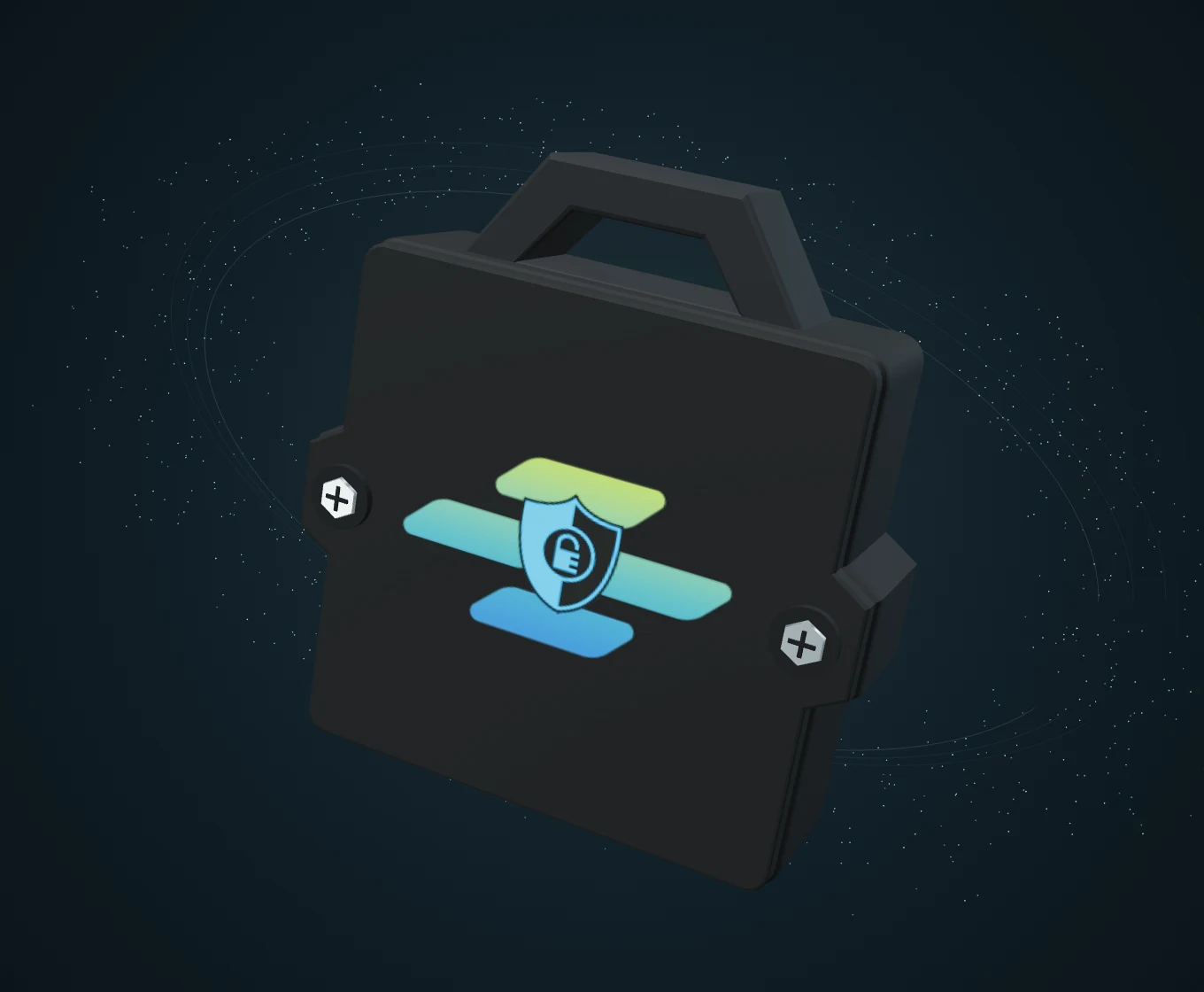




Hardware-backed keys
Protect your files with encryption keys held in a USB hardware security module. Your team keeps physical control of the key.
Preparing the interactive view…3D product visualisation. Form and finish are illustrative. Explore the hardware
Protection, step by step
Follow the idea, then explore the application below.
01 / Your hardware key
A USB hardware security module generates and stores cryptographic keys. Your team controls who holds the device.
02 / Your protected data
Use CryptoSeal to encrypt files with hardware-backed keys. The diagram illustrates protection, not the internal operation of the device.
03 / Your working environment
Bring the dongle into your team's workflow, with users, devices and licences managed centrally. Explore the real application in the demo below.
Security, made tangible
A physical key for your digital work. Explore the textured enclosure, attachment loop and compact form in this reference-based product illustration.
Plan your deployment
Discuss device support and your team's workflow during a proof of concept.
AI-generated product illustration based on the supplied hardware photographs. Not a technical drawing; laptop and setting are illustrative.
Designed around your operations
For organisations that need to control who holds the encryption key, alongside central management of users, devices and licences.
Hardware Security Module via USB for secure key generation and storage — keys stay under physical control.
Bind encryption operations to the presence of the authorised dongle for stronger operational assurance.
Manage users, devices and licences from the same CryptoSeal platform.
Inside the application
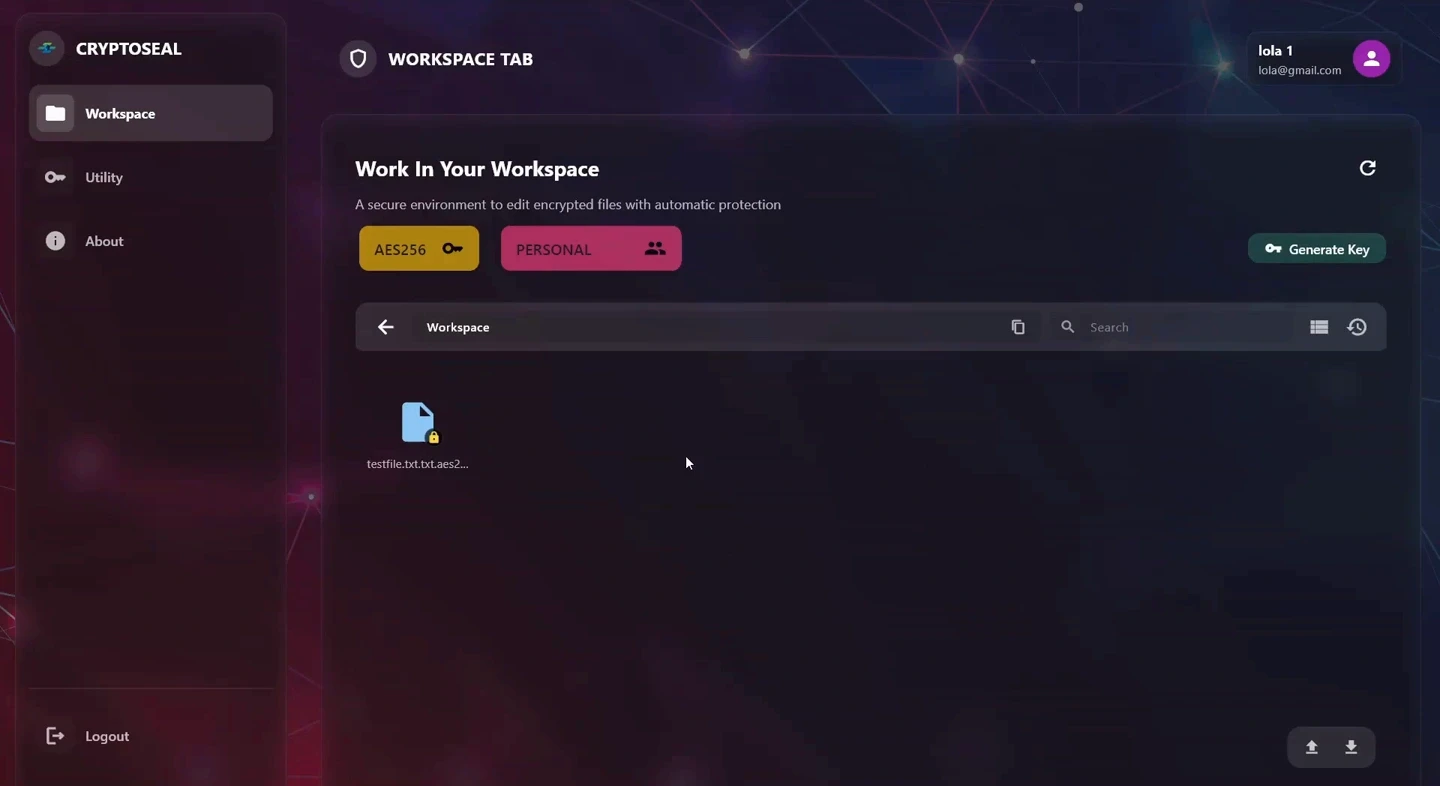
Explore the CryptoSeal desktop application. Bring files into a protected workspace, or use dedicated controls to encrypt and decrypt files and folders.
Choose Import Files, select a file, decide whether to keep the source, and see the encrypted file appear in the workspace.
Dedicated file and folder controls, with an activity console below.
Workspace and Utility are part of the CryptoSeal desktop application. The key model and available features depend on your deployment.
Where it fits
For teams that require an authorised physical key for encryption operations.
For teams that require physical custody of the keys protecting important information.
Manage your organisation’s users, devices and licences in one place.
Prefer encryption without a USB hardware dependency?
Discover CryptoSeal-XDStart with a conversation
Tell us what you need to secure. We’ll help you find the right CryptoSeal product and deployment model, then put it to work in a proof of concept.
[email protected]